
Image to PDF
Convert JPG, PNG, GIF, WebP, and BMP images into one PDF, right in your browser. Need to shrink the result? Try our PDF compressor or PDF merger.
Convert Images to PDF
Upload one or more image files to convert to PDF format
One image up to 5 MiB fits the free allowance. Larger inputs or multiple images may require a processing pass. Each image becomes one page at its own dimensions; no A4 fitting or OCR.
What this tool does
Put each selected image on its own PDF page, in the displayed order. JPEG and PNG are embedded directly; other supported images are decoded to a static PNG first.
- Inputs
- JPEG, PNG, and browser-decodable GIF, WebP and BMP. Animated images become a single rendered frame.
- Page size
- Each page follows its image dimensions: 800 × 600 pixels becomes an 800 × 600 point PDF page. No A4, Letter, margins or orientation controls are provided.
- Order
- Pages follow the displayed file list. Remove unwanted files; select files again to replace the list. There is no drag-to-reorder control.
- Free allowance
- One image up to 5 MiB is within the configured free allowance. Larger inputs or multiple images can require a processing pass; review the displayed checkout terms.
- Processing
- Image-to-PDF conversion runs in your browser. Very large images can exhaust browser memory. No OCR or searchable text is added.
How to use it
- Choose image files and review any allowance or payment message before proceeding.
- Check the displayed list, then click Convert to PDF. Each image becomes one page.
- Download the PDF and verify page count, order and appearance in a PDF reader.
Try a reproducible example
Convert the 800 × 600 PNG sample below. Expect one PDF page sized 800 × 600 points, with the full image and no automatic A4 fitting. To test ordering with several images, review the batch allowance first.
Download sample PNG (800 × 600)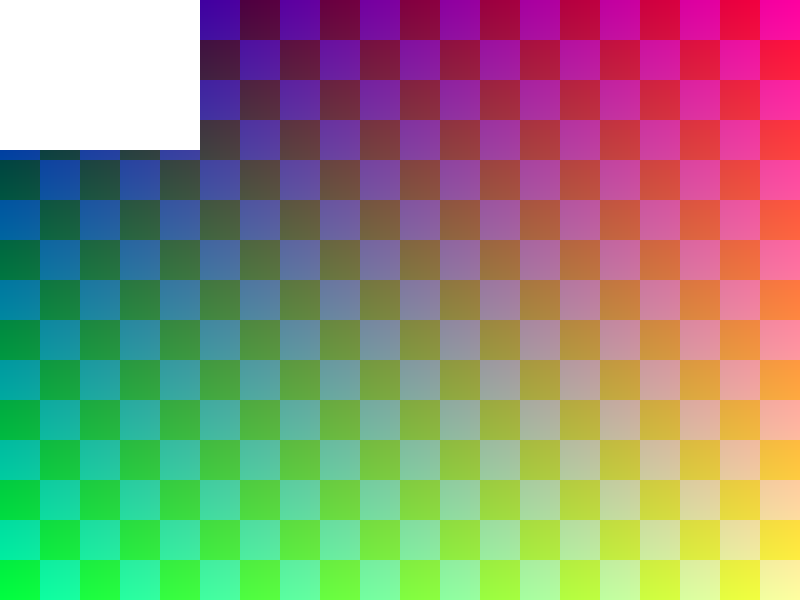
Synthetic test pattern with transparent areas. No personal photos or documents.
Can I search text in the PDF?
No. These pages contain images. Text recognition requires a separate OCR workflow.
Does conversion upload my images?
This conversion reads and processes the selected files in your browser. The website still makes requests for page resources, payment services when used, and analytics according to your consent settings.
Technical reference: browser canvas export behavior · PDF page creation and image embedding. Privacy details.
JPG to PDF Guides
Guides for converting images to PDF:
All JPG to PDF guides (15 total)
Related PDF Tools
Explore other PDF tools to work with your documents: